AI Product Scenes
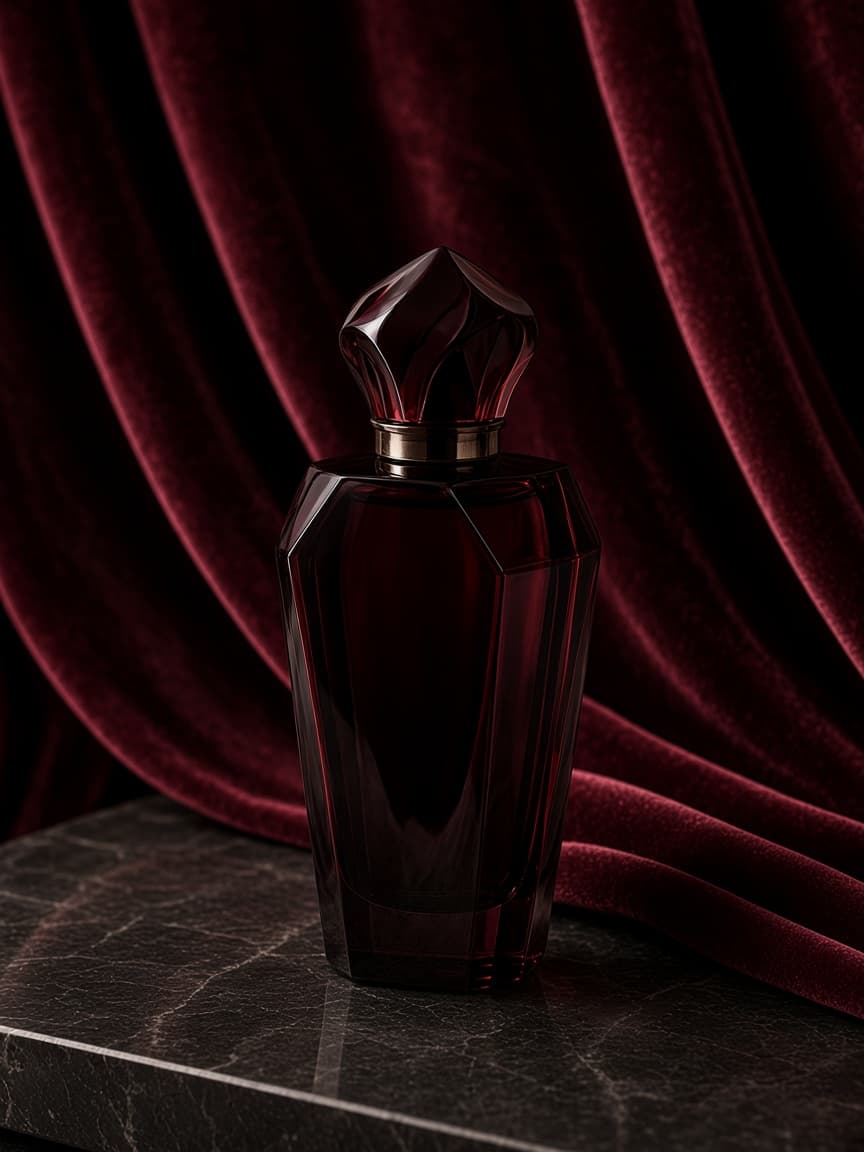
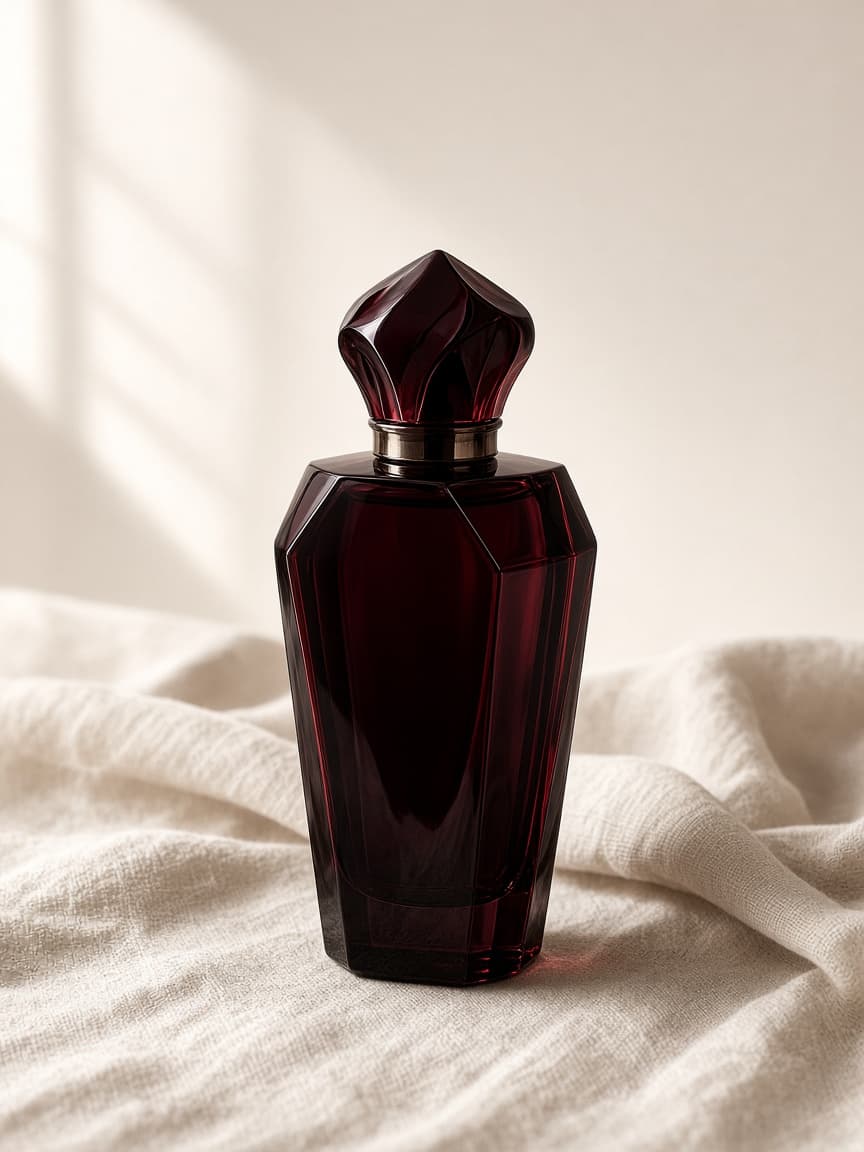
Create visually compelling scenes around an existing product photo — from quiet studio light to editorial mood.

Clyvoro
Clyvoro transforms ordinary product photos into polished, professional visuals with the power of AI.
Product
Why Clyvoro
Great product photography traditionally asks for cameras, lighting, props, locations, models, designers, and careful editing.
Clyvoro simplifies that creative process with AI — starting from the product photo you already have, and helping you shape a polished visual direction.
Features
Create visually compelling scenes around an existing product photo — from quiet studio light to editorial mood.
Transform simple product photos into polished marketing visuals ready for campaigns, listings, and launches.
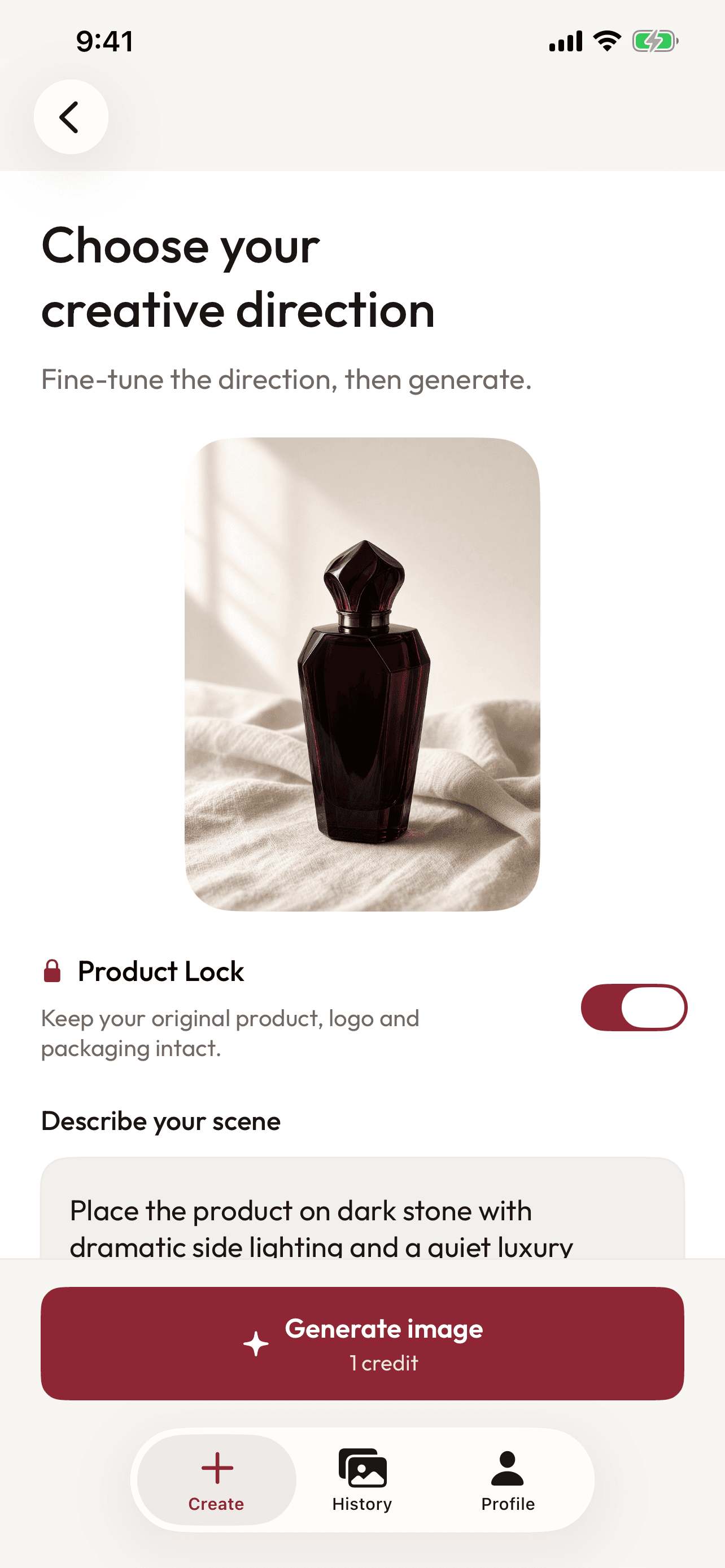
Describe the visual direction you want, generate variations, and refine until the result matches your intent.
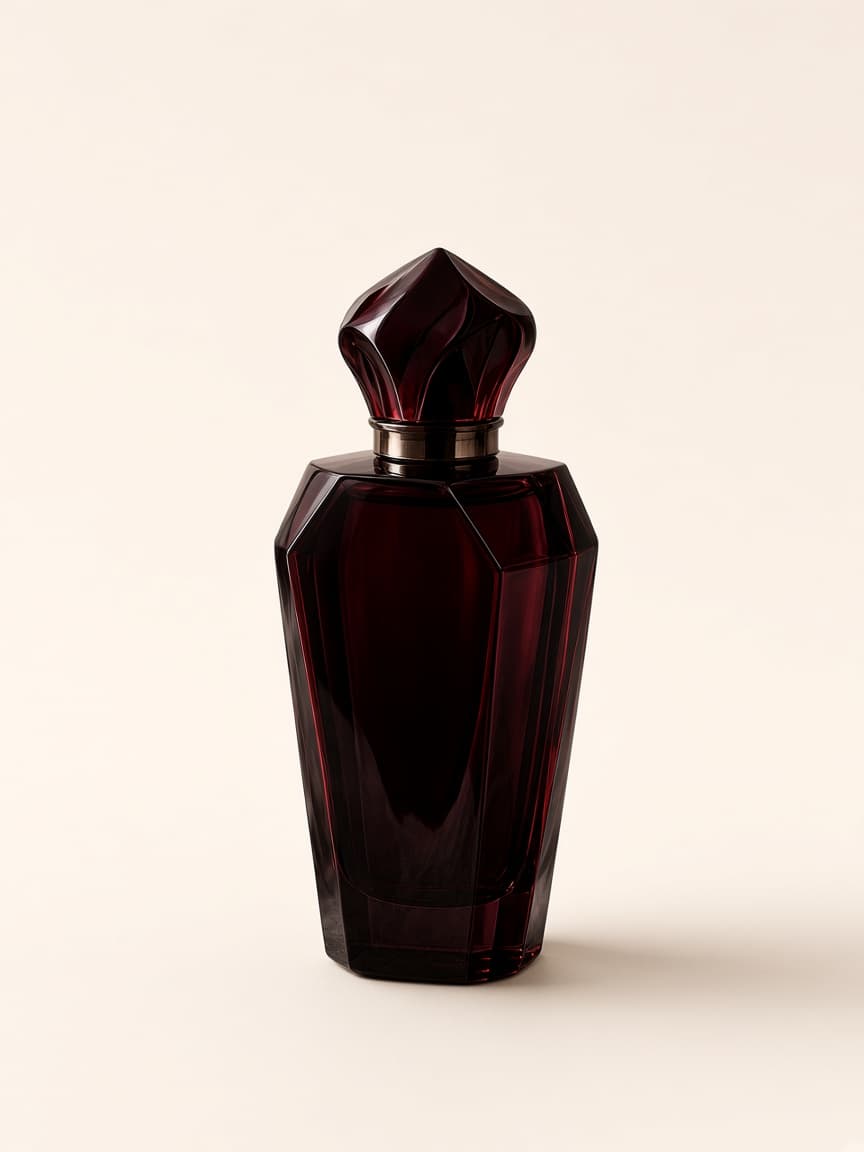
Clyvoro prioritizes maintaining the original product’s identity, shape, branding, and important visual details.
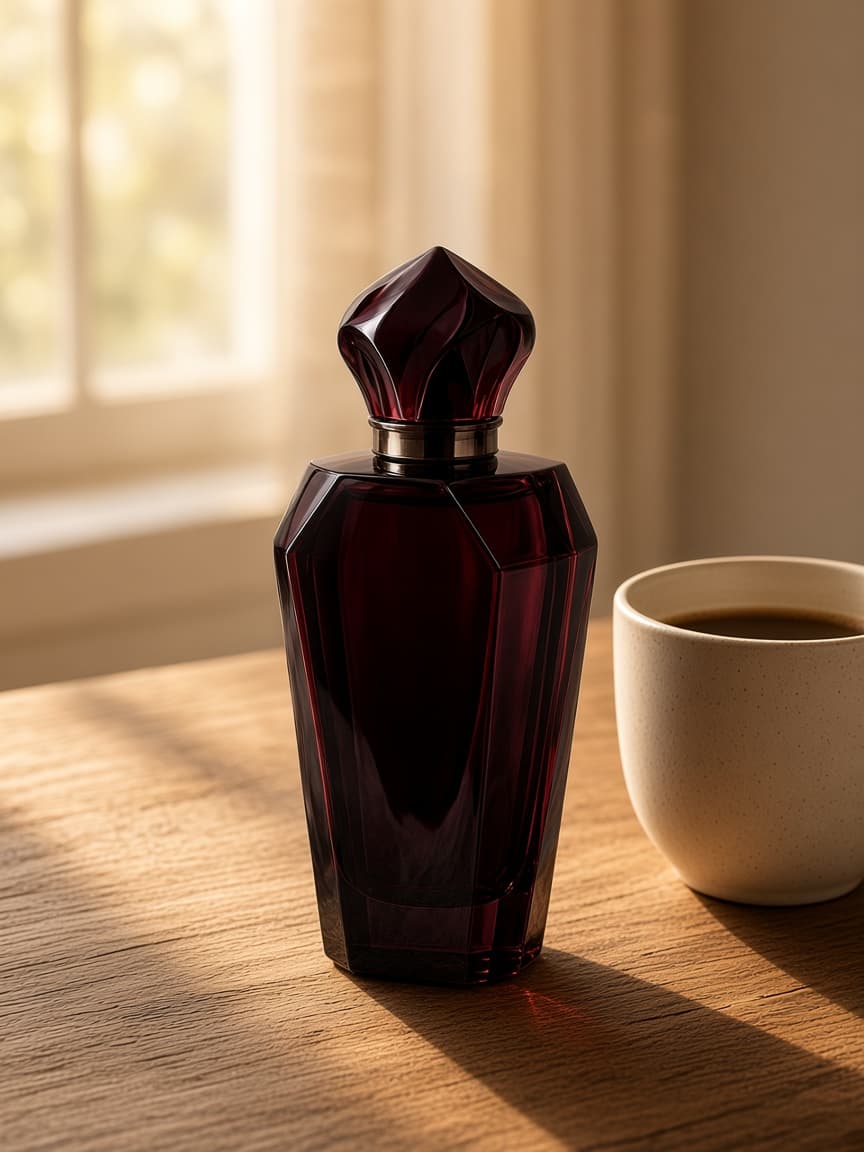
Create visuals suited for Instagram, TikTok, Facebook, e-commerce, advertising, and product launches.
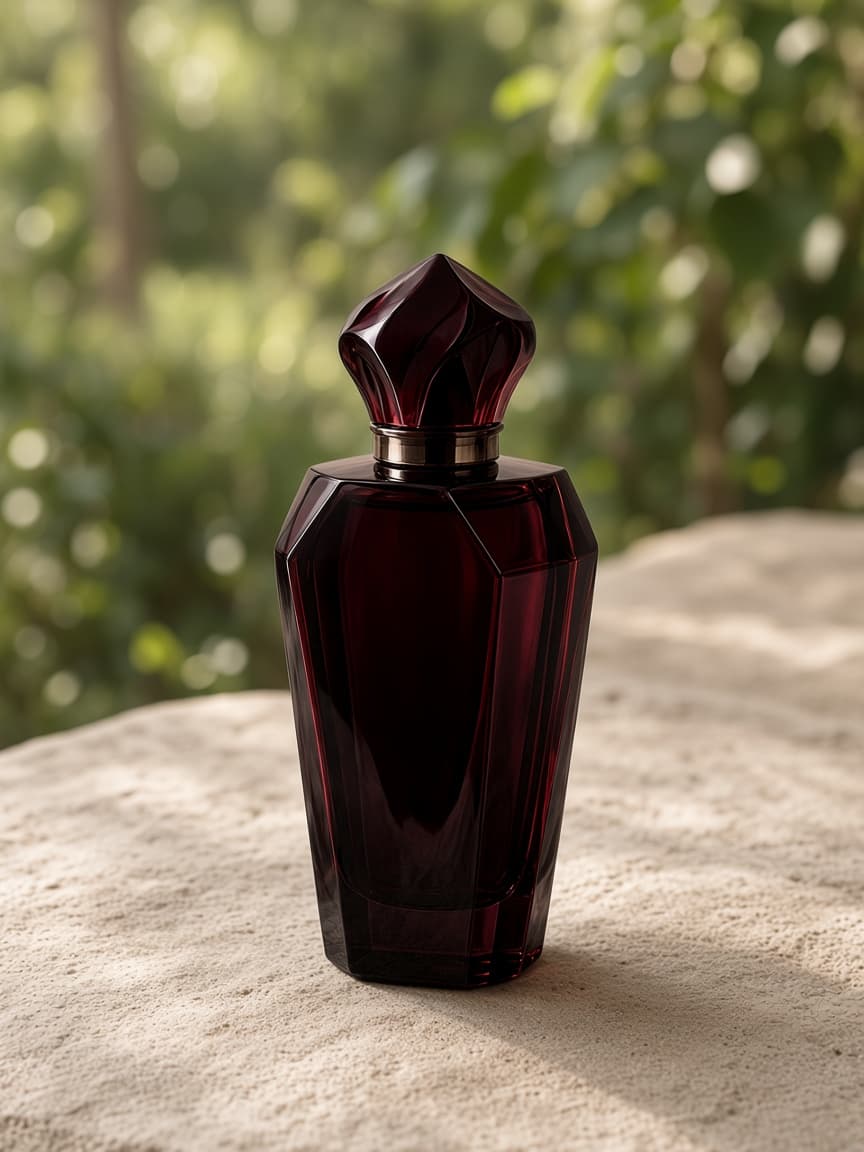
Experiment quickly. Try a new mood, adjust the prompt, and continue refining without rebuilding a studio.
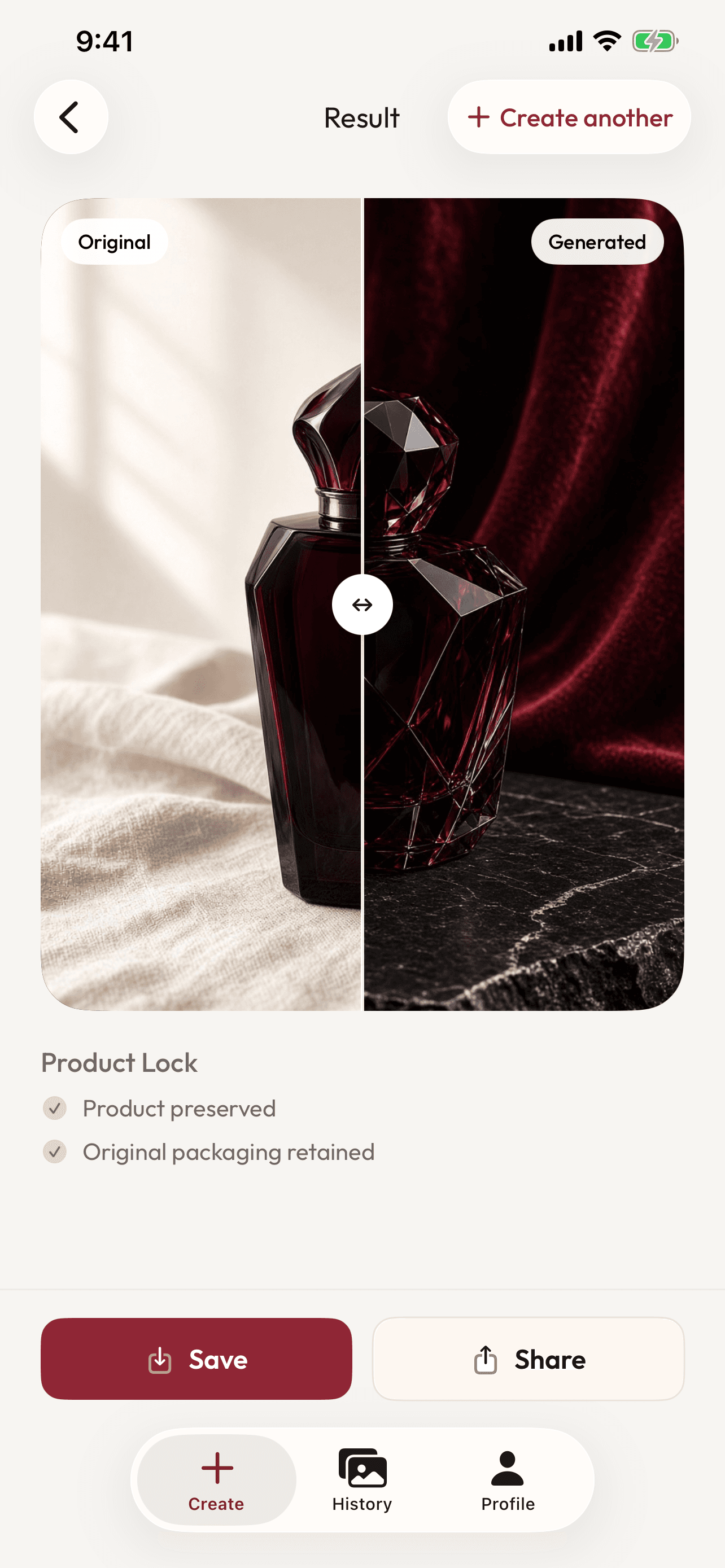
AI-generated visuals may occasionally alter small text, logos, or fine product details. Clyvoro is designed to preserve important product characteristics, but generated results should be reviewed before commercial use.
How it works
Start with an existing product photo.
Tell Clyvoro what kind of visual you want.
Generate polished creative visuals and refine the result.
Use cases
Product launches
Social media content
E-commerce
Advertising creatives
Brand campaigns
Lifestyle photography
The app
Real Clyvoro screens — the same interface you use to upload, describe, generate, and share.
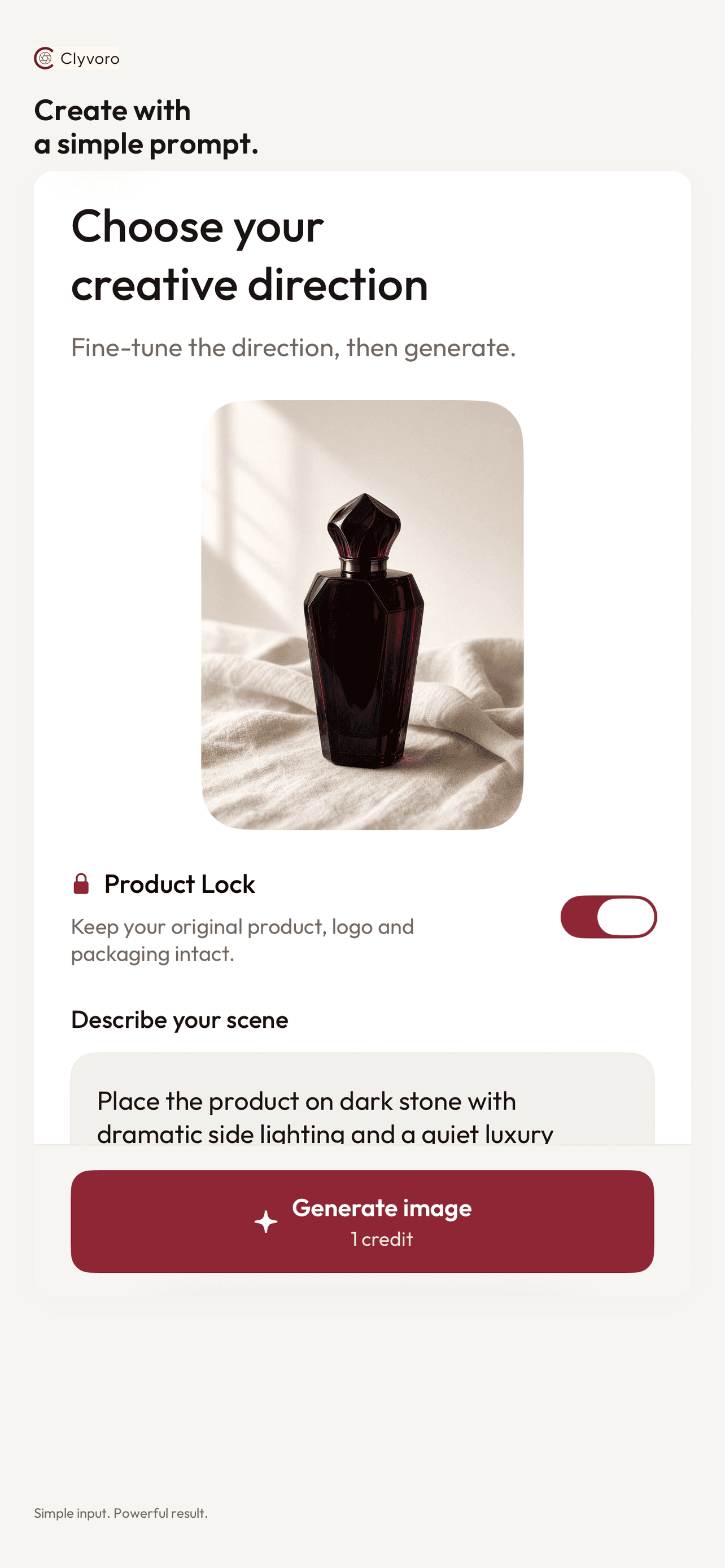
Create polished product visuals with Clyvoro.
Download Clyvoro